New Feature: Public Decisions
February 18, 2026 · Philip Healy
Subscribers can now share their decisions with anyone via a public link. No sign-in is required to view.
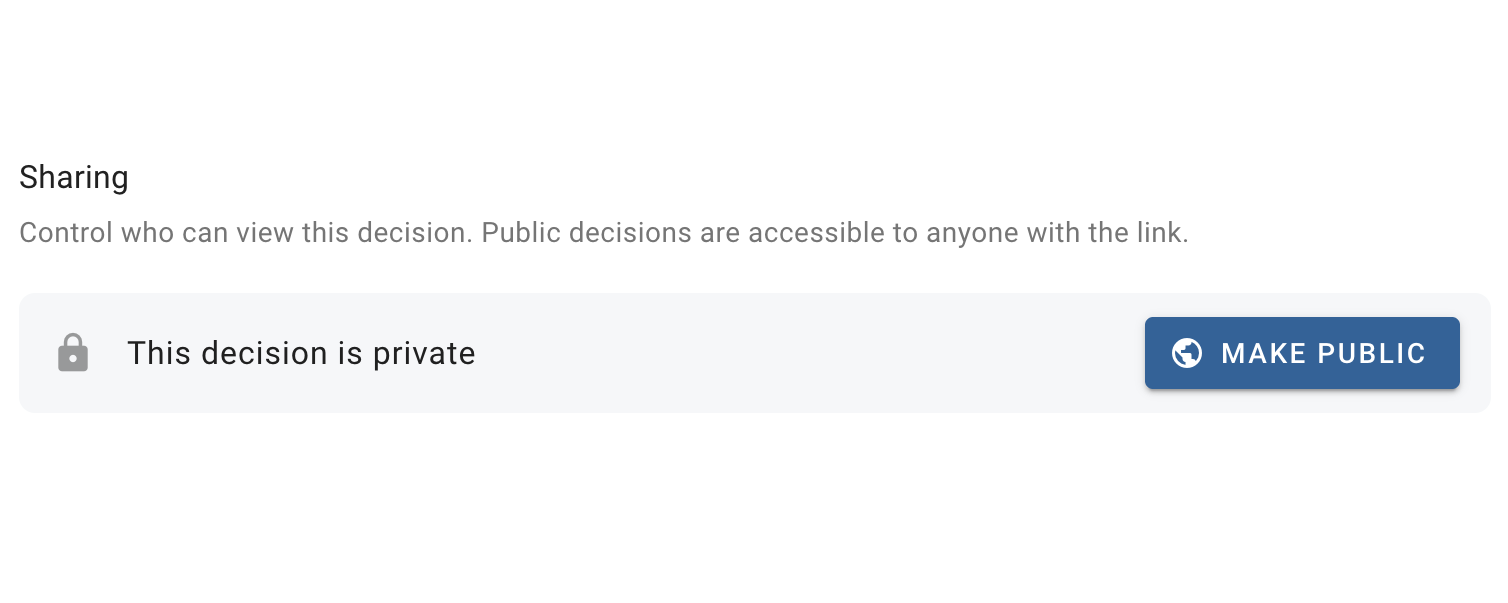
Until now, giving others access to decisionpoint.io decisions could only be accomplished by inviting them to collaborate. Invitees can be given read-only access if required. However, sometimes you want to make a decision available to anyone who wants to see it, without inviting them or requiring them to create an account. This is now possible with a new feature available to subscribers: Public Decisions.
How It Works
To make a decision public, click the settings button on the top left of the hierarchy diagram and look for the Sharing section. From there, click Make Public. Once the decision is public, a button is provided to copy the decision link to clipboard. Anyone with this link can view the full decision model: the hierarchy, comparisons, and results. Viewers do not need to sign in or have a decisionpoint.io account. Sensitivity analysis is enabled so that viewers can interactively check how stable the results are.
Interactive Case Studies
One benefit of public decisions that I'm particularly excited about is the ability to publish interactive case studies. There are many well-known AHP examples scattered across textbooks, scientific papers, and online resources. With public decisions, we can replicate these examples in decisionpoint.io so that anyone can explore them interactively by drilling into scorecards, inspecting individual judgments, and seeing how the final priorities are derived.
The first public decision is the venerable Wikipedia AHP car example, which showcases many features of the AHP. You can explore the full decisionpoint.io version here. I'll be using this as the basis of an upcoming case study, with more to follow.
Try It Out
The feature is available now for all subscribers. Head over to the app and give it a try. As always, I'm very happy to receive feedback, just use the contact form or send me an email at philip.healy@decisionpoint.io.
— Philip